What is docfy-ui
AI-first OpenAPI documentation UI, companion project to nestjs-docfy. A lean, modern API reference with a Copy for AI button on every endpoint.
Motivation
Most OpenAPI UIs are built for humans scanning a page, which is the wrong format for the other audience reading documentation today: an LLM you're pasting context into. Copying an endpoint's details usually means grabbing raw JSON (verbose, full of $ref and noise) or copying rendered HTML (loses the structure).
Example: Copy for AI
One click on "Copy for AI" on the same endpoint:
text
## Create a user
POST /users

### Request
{
  "name": "string",
  "email": "string"
}

### Responses
201 Created (UserEntity)
400 Bad Request

### Validation
- name: required, minLength 2
- email: required, format email
docfy-ui renders this text deterministically from the same OpenAPI document that any Swagger UI already serves, with no extra annotations and no backend changes.
Features
- Copy for AI: every endpoint gets a plain-text, LLM-ready summary in one click (purpose, request, responses, validation rules) instead of raw JSON.
- Copy OpenAPI: copies the dereferenced, cycle-safe JSON fragment for just the selected endpoint.
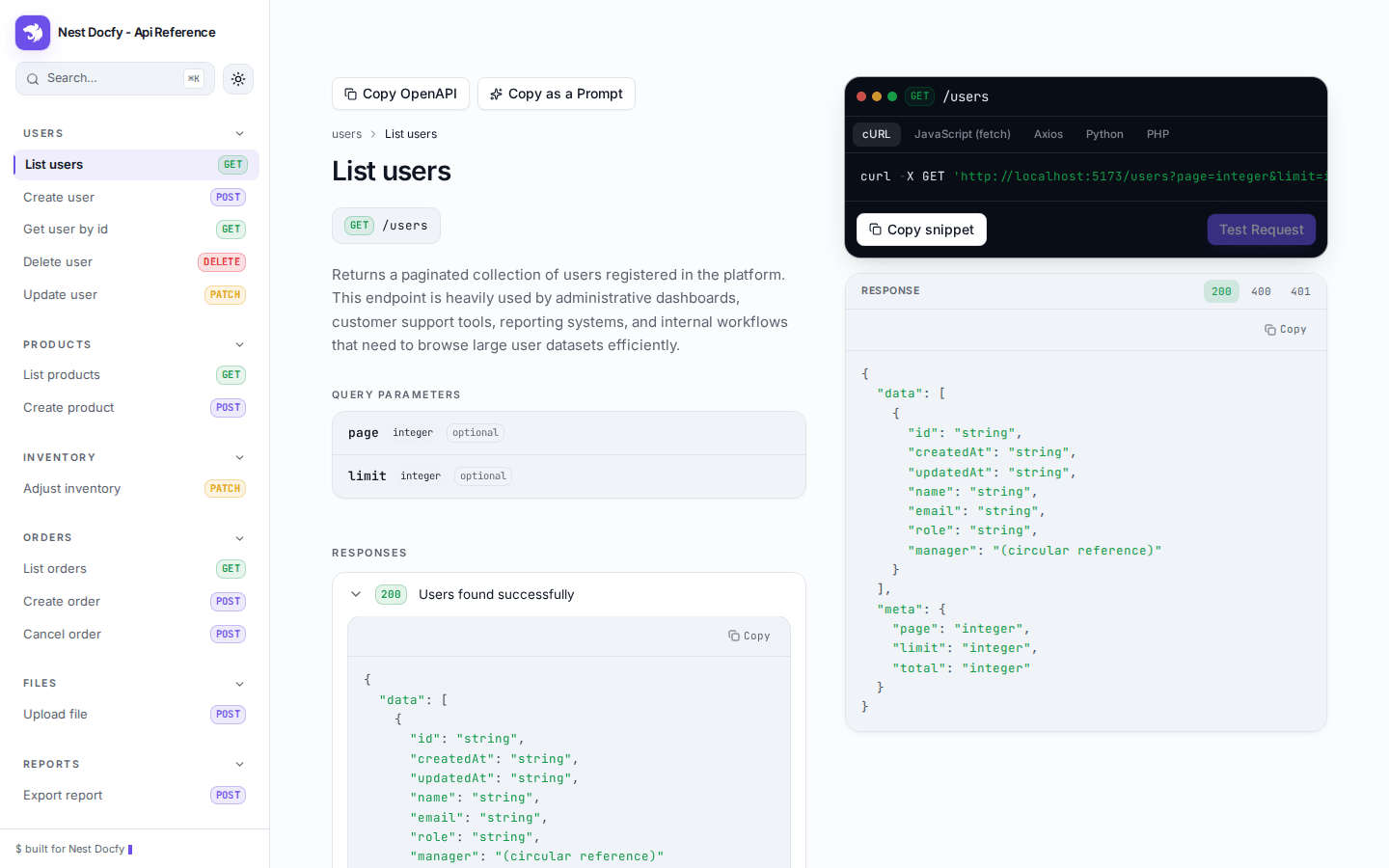
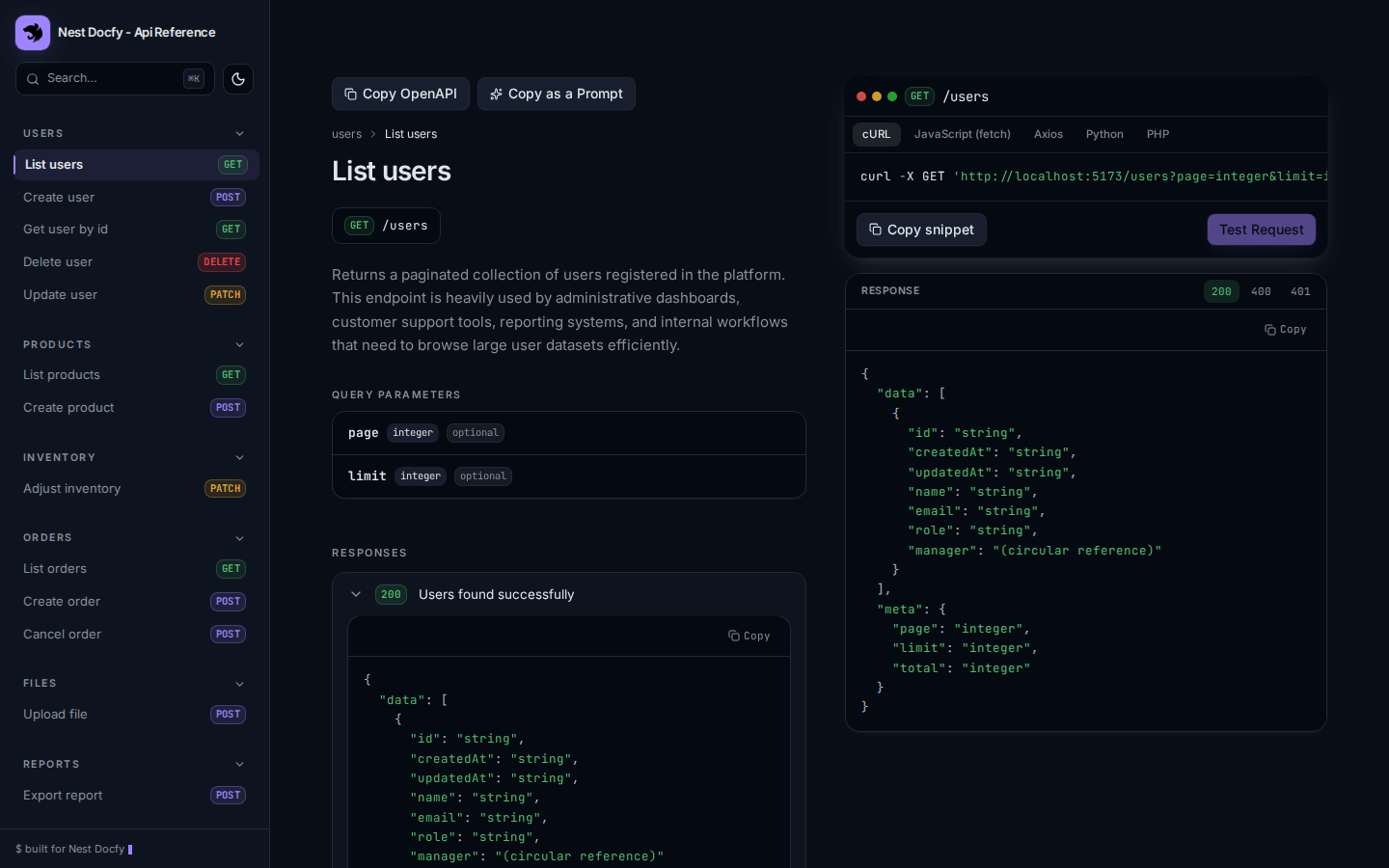
- Two-column endpoint view: documentation on the left (parameters, responses, navigable schema tree), code snippets on the right (curl, JavaScript, Python, Go).
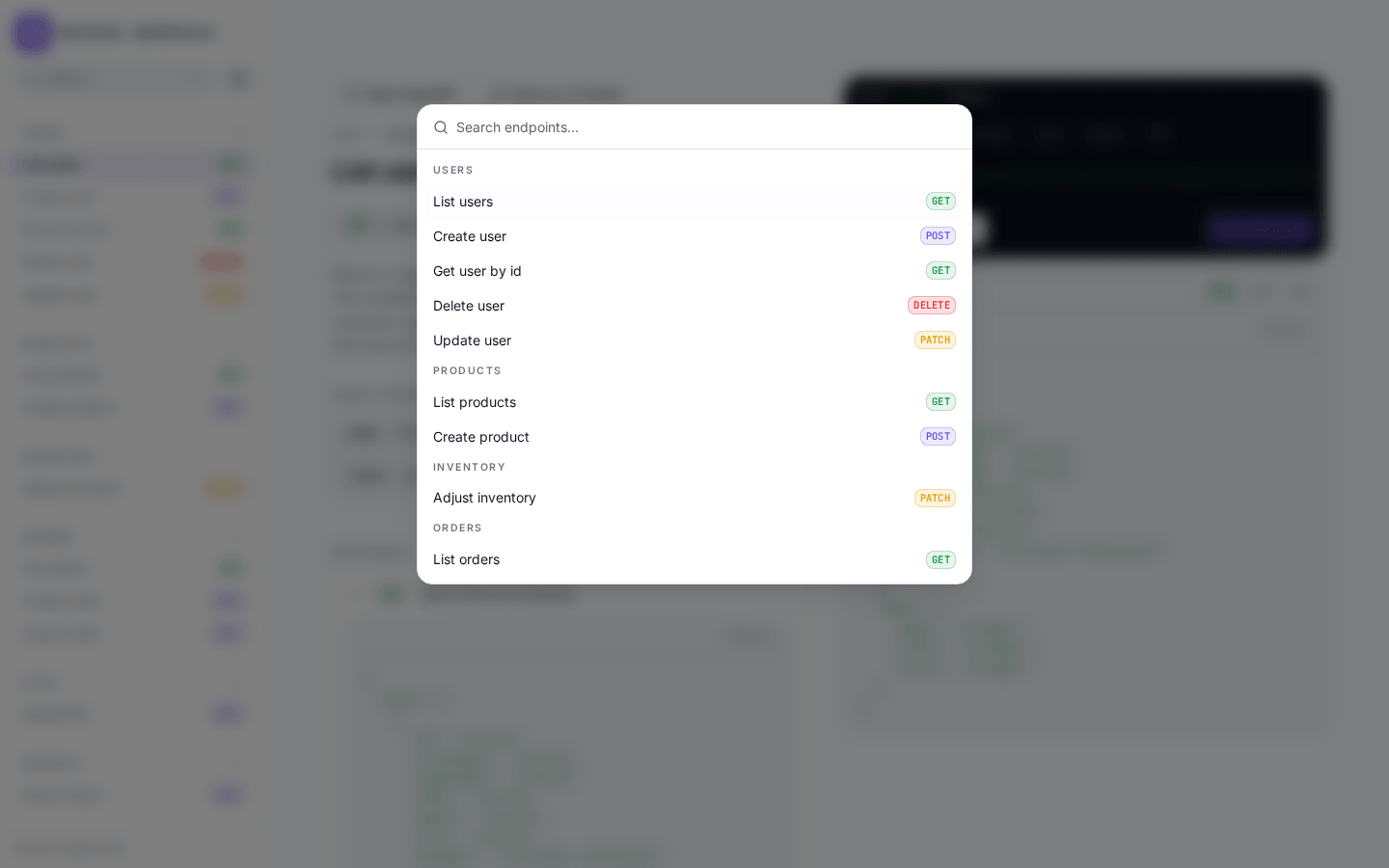
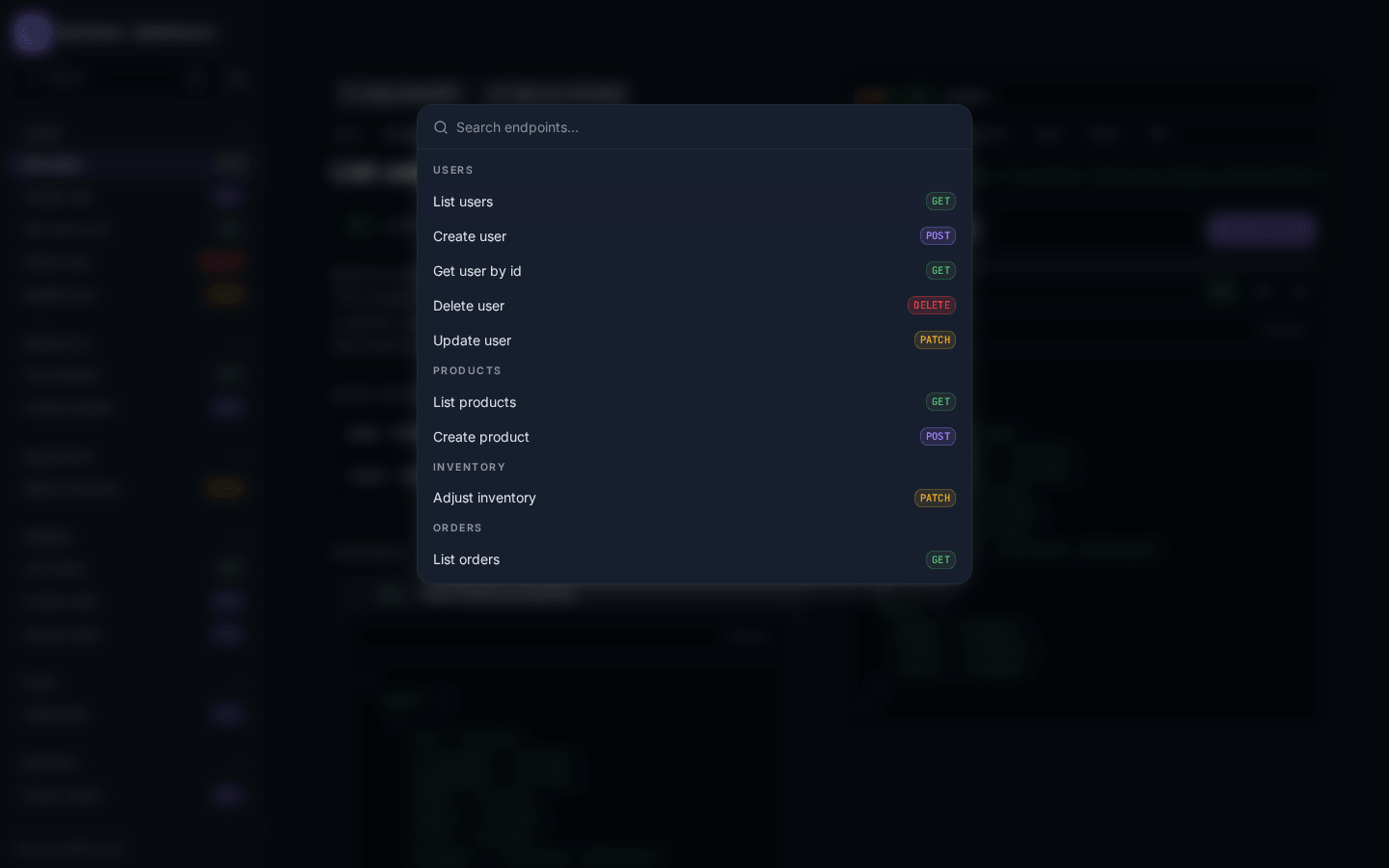
- Real-time search: filters the sidebar by path/summary/operationId on every keystroke, no debounce, no Enter key.
- Dark/light theme: token-driven, switches instantly with no reload and no flash on first paint.
- Zero backend coupling: fetches an OpenAPI 3.0/3.1 JSON document client-side; works with any server that exposes one, not just NestJS.
- Mobile-responsive: off-canvas drawer below the
lgbreakpoint, audited at 375/390/768px. - Compare specs: paste two spec URLs and see added/removed/changed endpoints, each flagged breaking or informational.
- Multi-spec switcher: browse several services from one instance when the host configures more than one spec, hidden entirely otherwise.
- Deep-linking into a schema: Deep-link straight into a nested schema property with a URL hash (e.g.
#response-200/address/city) — auto-expands and scrolls to it. Every row also has a hover "copy link" button to grab that exact property's URL.